Developer utilities
CodeVault Developer
A pocket lab for JSON, encoding, hashes, regex, and the snippets you save between builds.

Workshop pipeline
Each step in the app mirrors how you actually debug: transform, inspect, store, and reopen.
-
Workshop grid
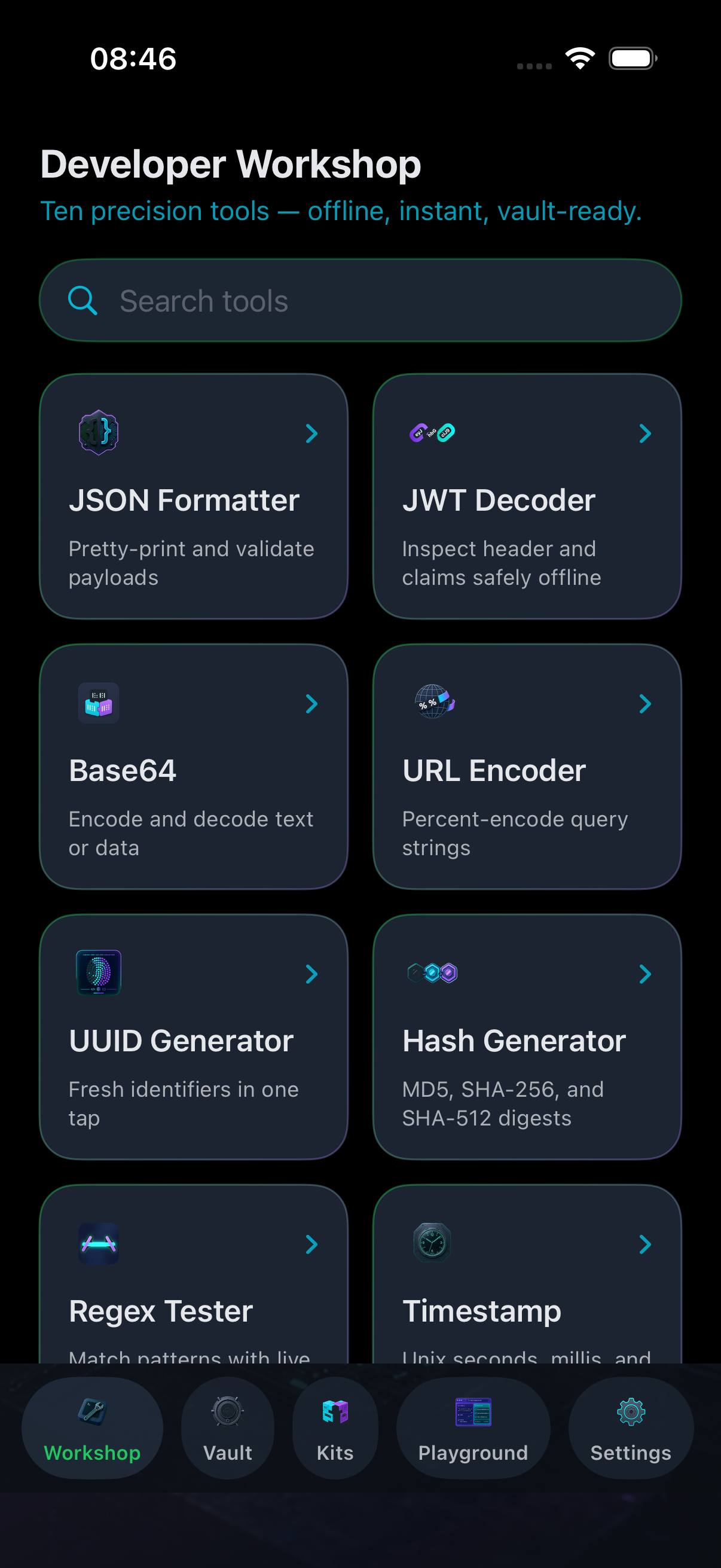
Ten focused transformers live in one grid — open any tool, paste input, run, and copy output without leaving the flow.
-
Result Vault
Pin outputs you reuse, filter saved snippets, and reopen a result in the tool that created it when you need to tweak again.
-
Custom kits
Bundle the utilities you reach for daily into named kits so your encode-decode-hash loop stays one tap away.
-
WebKit playground
Preview structured output as lightweight HTML when you want a quick visual sanity check before you ship a payload.


Inside the app
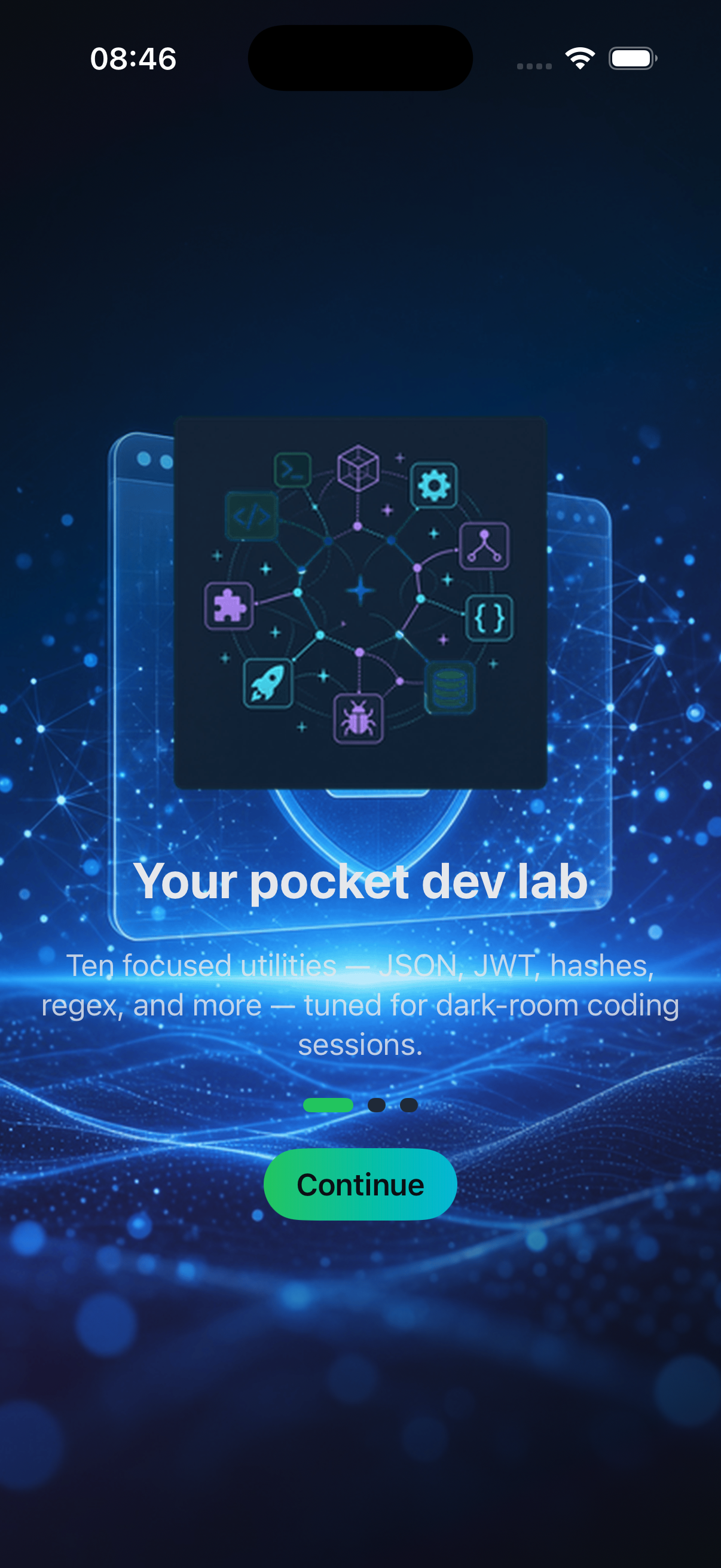
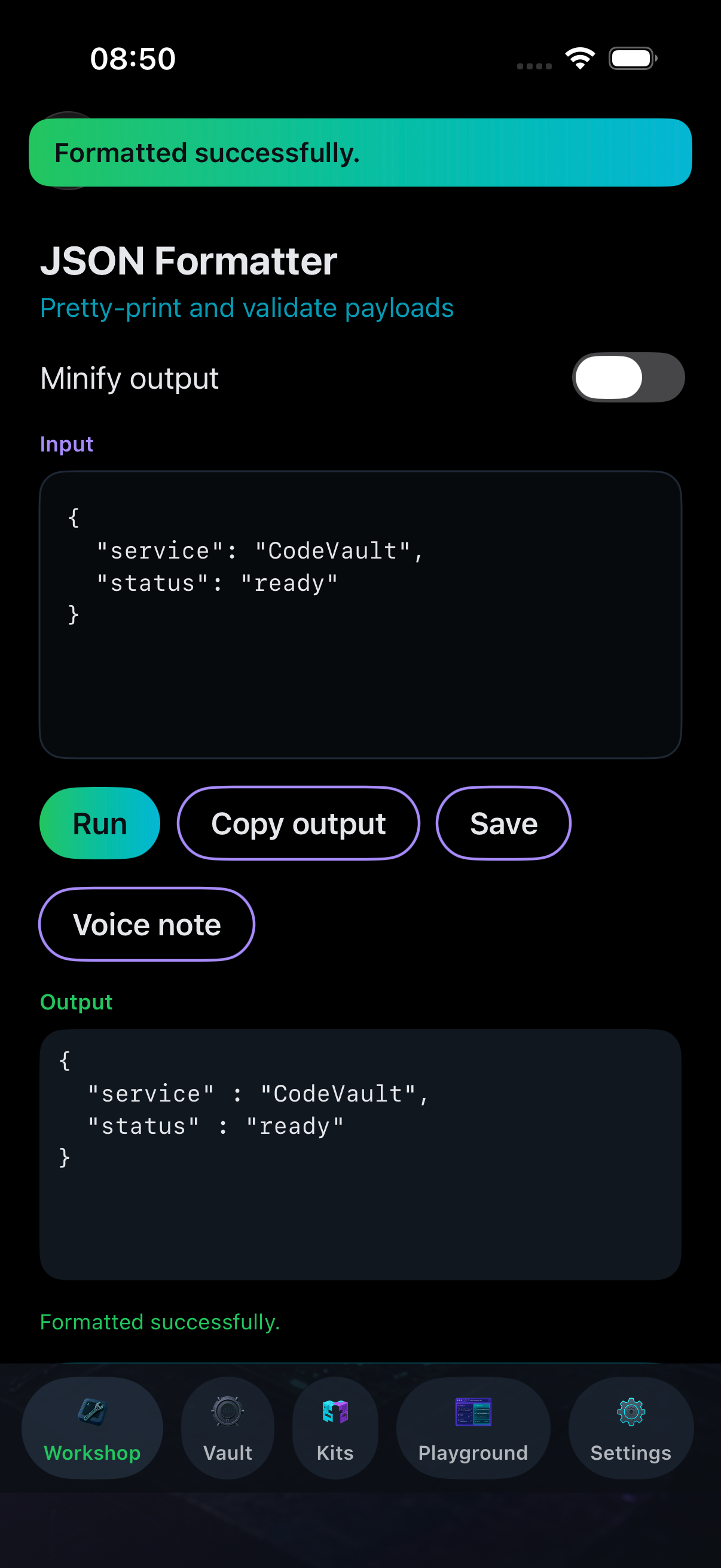
Onboarding, the Workshop grid, and a JSON formatter workspace on iPhone.
Policies & help
Privacy and support for CodeVault Developer on the App Store.
Privacy Policy
Effective date: November 17, 2026
CodeVault Developer is published by the developer listed in App Store Connect. This page describes how the app handles information.
The app does not require an account. Content you type or import — including text for tools, saved vault entries, kit definitions, and playground HTML — is processed on your device to produce output. Saved results and preferences are stored locally on your device using standard iOS storage unless you delete them in the app or remove the app.
If you use the camera, photo library, or microphone, the system permission dialogs explain why. Media you select is used only for the action you started (for example, importing an image for text recognition or attaching a short voice note to a saved result). The app does not upload your tool input, vault contents, or media to our servers.
When you tap Share, iOS shares only what you choose through the system share sheet. We do not receive a copy of shared content.
We may update this policy when the app changes. Continued use after an update means you accept the revised policy. Questions: use the support contact below.
Support
CodeVault Developer helps with everyday encoding, formatting, hashing, regex tests, UUID generation, header inspection, color conversion, and timestamp utilities, plus vault storage and custom kits.
For help with a specific tool, include the tool name, iOS version, and device model. For saved vault issues, note whether the entry is pinned and which tool created it.
Email: headchristianludek@atomicmail.io
We aim to respond within a few business days. App Store reviews are not monitored for support requests — please use email for technical questions.